Install on Chrome
 Install on Firefox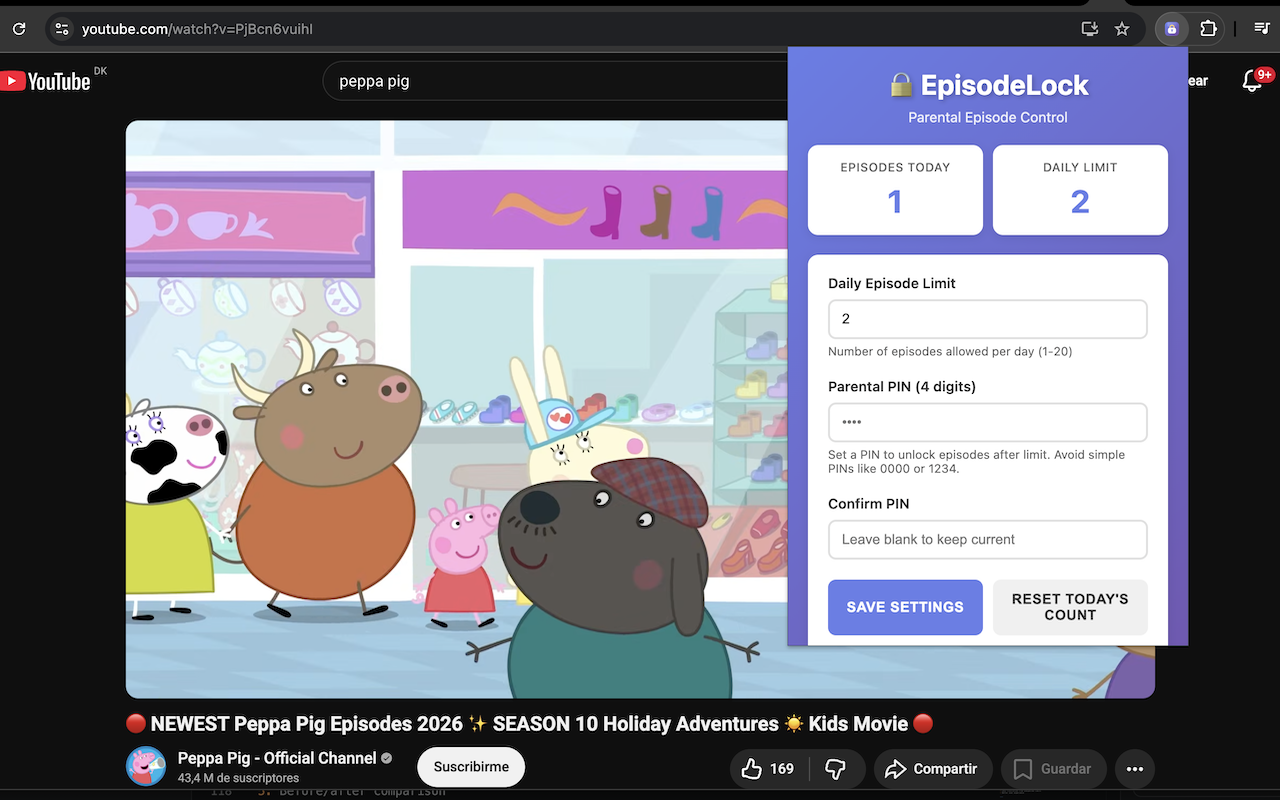
Parent Setup Screen
Choose the right number of episodes for today based on episode length and the time you want to allow, then protect it with a 4-digit parent PIN.
 EpisodeLock
EpisodeLock helps families set clear streaming limits, keep routines on track, and avoid "just one more episode" arguments.
Built for real evenings: simple rules, less arguing, more consistency.
 Also works on Microsoft Edge.
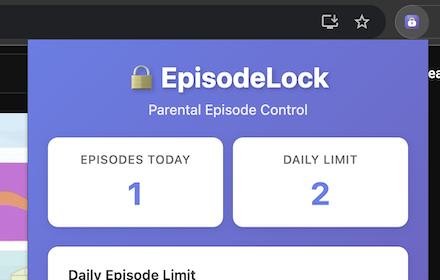
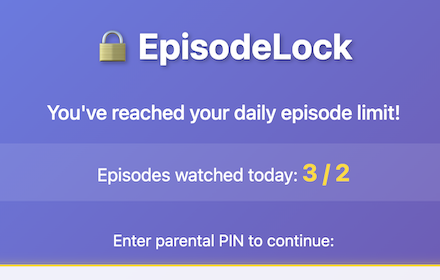
A quick look at what parents set up once, and what kids see when planned watch time is finished.
Choose the right number of episodes for today based on episode length and the time you want to allow, then protect it with a 4-digit parent PIN.
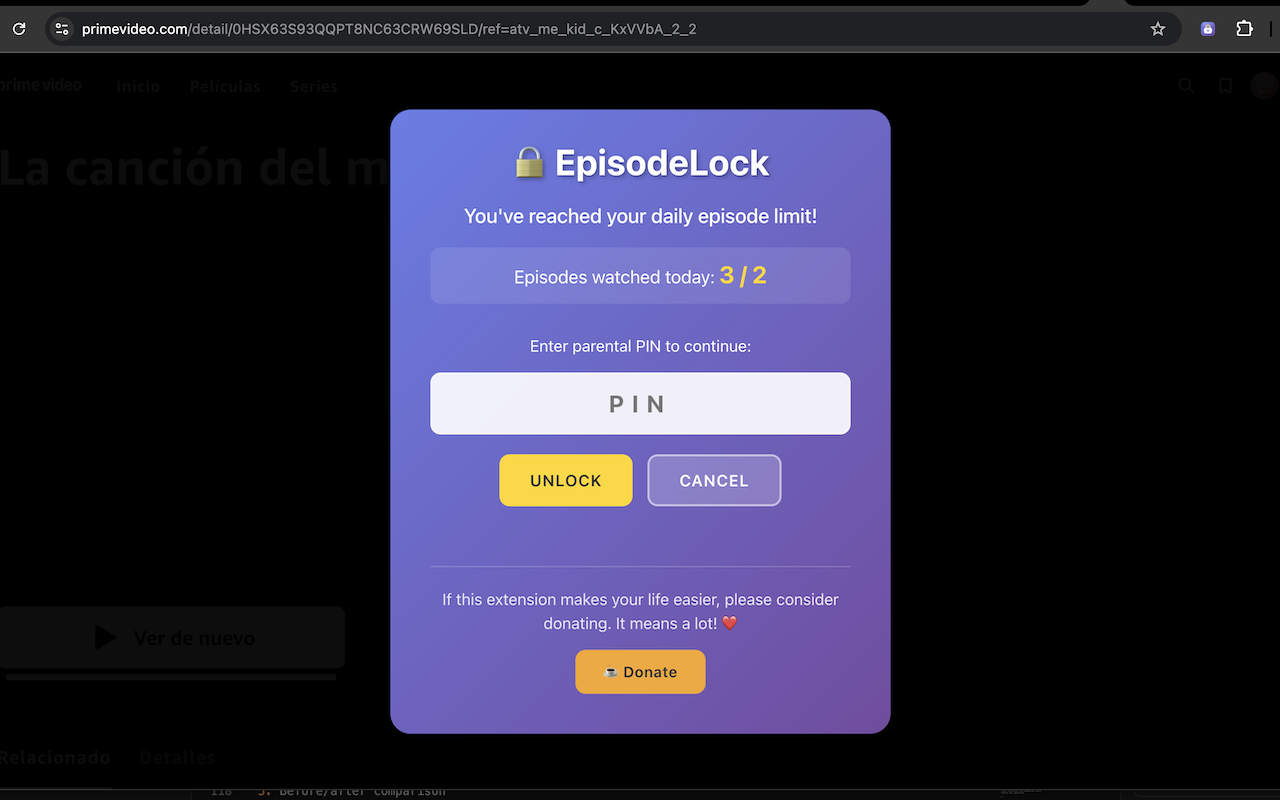
When the planned watch time is used, EpisodeLock pauses playback until a parent unlocks more time.
Pick the number of episodes that fits your child's day, based on episode length and the time you want to allow.
When the planned watch time is reached, playback is paused so your screen time boundaries are enforced consistently.
Only adults with the PIN can unlock more viewing time or adjust the episode allowance.
Adjust today's episode allowance to match your routine, whether episodes are short, long, or mixed.
EpisodeLock supports popular streaming platforms used by families.
Simple setup • Family-friendly controls • No account needed
Available for free on your favourite browser:
Also works on Microsoft Edge.
Simple setup • Family-friendly controls • No account needed
Choose today's episode allowance based on episode length and your available time, then create a parent PIN.
Children can watch as usual on supported platforms, with no extra steps each time.
When the planned watch time is used, EpisodeLock stops playback until a parent unlocks it.
Every new day starts fresh, helping families stay consistent without constant conflict.
Turn screen-time rules into predictable routines everyone understands.
The extension handles the stop point, so parents are not always the "bad guy."
Install, choose an episode allowance that fits your schedule, set your PIN, and you are ready in minutes.
Your family's settings stay in your browser, with no account required.
Add it to your browser.
Choose the right episode allowance for today based on runtime and the time you want to allow, then protect changes with a parent PIN.
Kids watch on supported streaming sites while EpisodeLock keeps your planned watch time consistent.
Spend less time negotiating screen time and more time together.